Update Reminder Styles, prominent alerts and more
✨ New
App Catalog 1.10.0
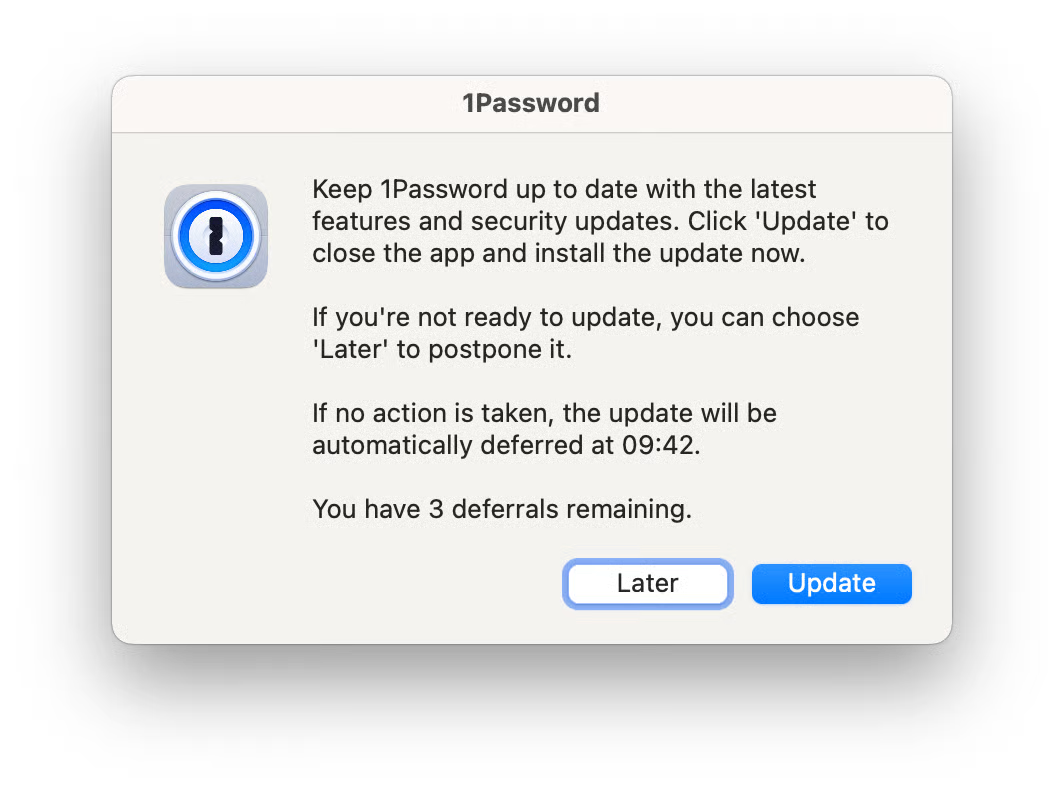
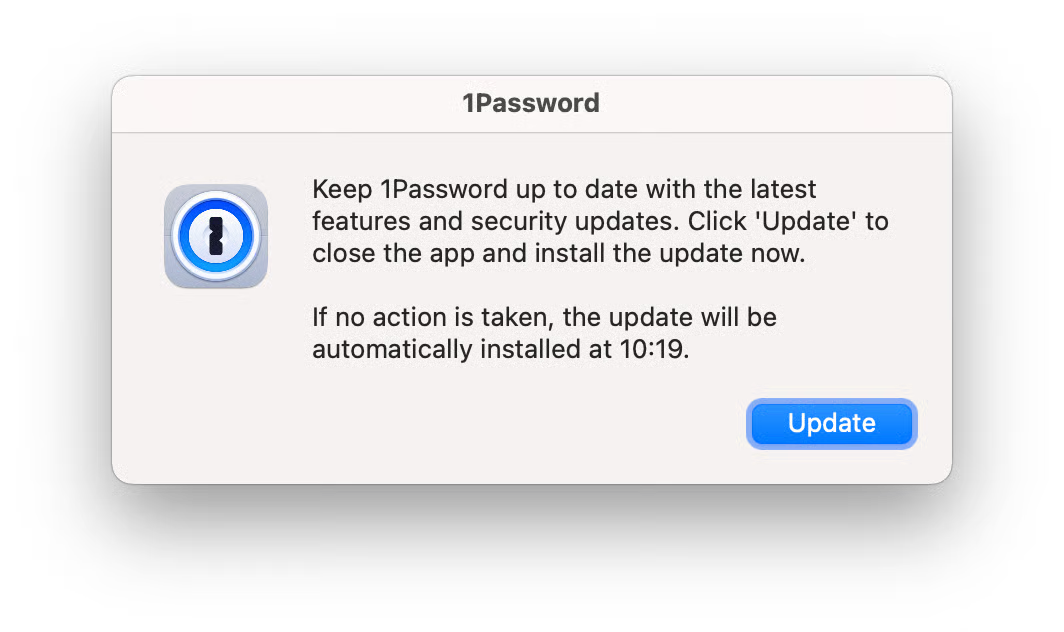
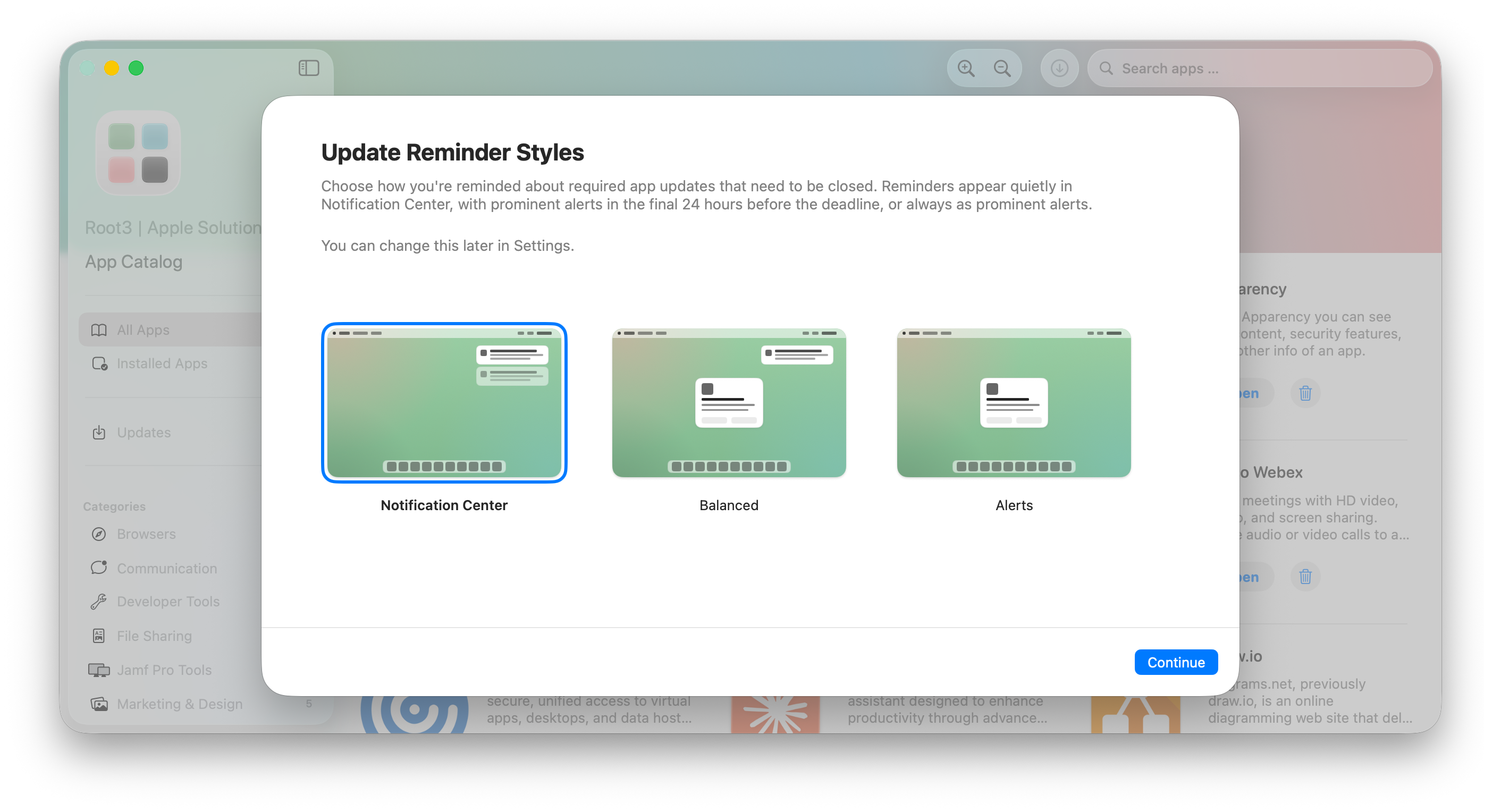
Update Reminder Styles: App Catalog now offers three styles to remind you about required app updates that need their app to be closed:
Notification Center (default): Reminders appear in Notification Center, like a regular notification. They respect Do Not Disturb and Focus, so they won't break your concentration. Best if you want updates to wait their turn and less interruption for your workflows.
Balanced: Reminders stay in Notification Center until the deadline gets close. In the final 24 hours before the deadline, they switch to a prominent alert in the middle of the screen so you don't miss it. A good middle ground.
Alerts: Every reminder appears as a prominent alert in the middle of the screen. The most visible option, and the one most likely to interrupt what you're doing. Best if you'd rather act on updates straight away.
More information: User deferrals & interaction
Allow users to choose or define an organization-wide policy:
By default, users will be able to choose the update reminder style that best fits their workflow. Choice will be offered when they open Catalog App and can be changed later in the app settings. We believe every person has its own way of working and being productive. That’s why we recommend letting people choose.
If required, administrators can enforce a single style organization-wide via the
UpdateNotificationStylepreference. The user will not be prompted to choose and the setting cannot be altered.More information: Preference Keys - Catalog Agent
👀 Changed
Reminder lifecycle logs are retained in Unified Logging and now include the presentation style (Alert or Notification Center) and reminder type for easier diagnostics.
🛠 Fixed
Notification Center action button labels are localized with English fallback: The "Update now" and "Later" buttons under the notification (Notification Center actions) previously fell back to localized string (UPDATE_NOW) in non-supported languages. They now fallback to English.
Notification reliability is improved
Minor spacing issue resolved in the “Updates” UI