Changelog

Follow new updates and improvements to App Catalog.

User Management and App Catalog 1.8.2
✨ New

Customer Portal

  • User Management: You can now add, update, or remove users. Simply click on your profile, select “Organization,” and then click on the “Add” button. To update or remove an existing user, click on the three-dotted icon next to the user’s name.

  • User Roles: A new role “User” has been introduced, which is a read-only user in the Customer Portal. The “Admin” role is the default for all existing users and has the permission to invite others. This Role-Based Access Control (RBAC) system prepares App Catalog for future enhancements.

🛠 Fixed

App Catalog 1.8.2

  • A crash when switching between User Mode and Admin Mode should be resolved on macOS 26.2 or higher.

  • Sidebar navigation improvements for User Mode and Admin Mode. You’re unlikely to notice this, but things are more robust behind the scenes.

  • Minor UI improvements.

New Customer Portal

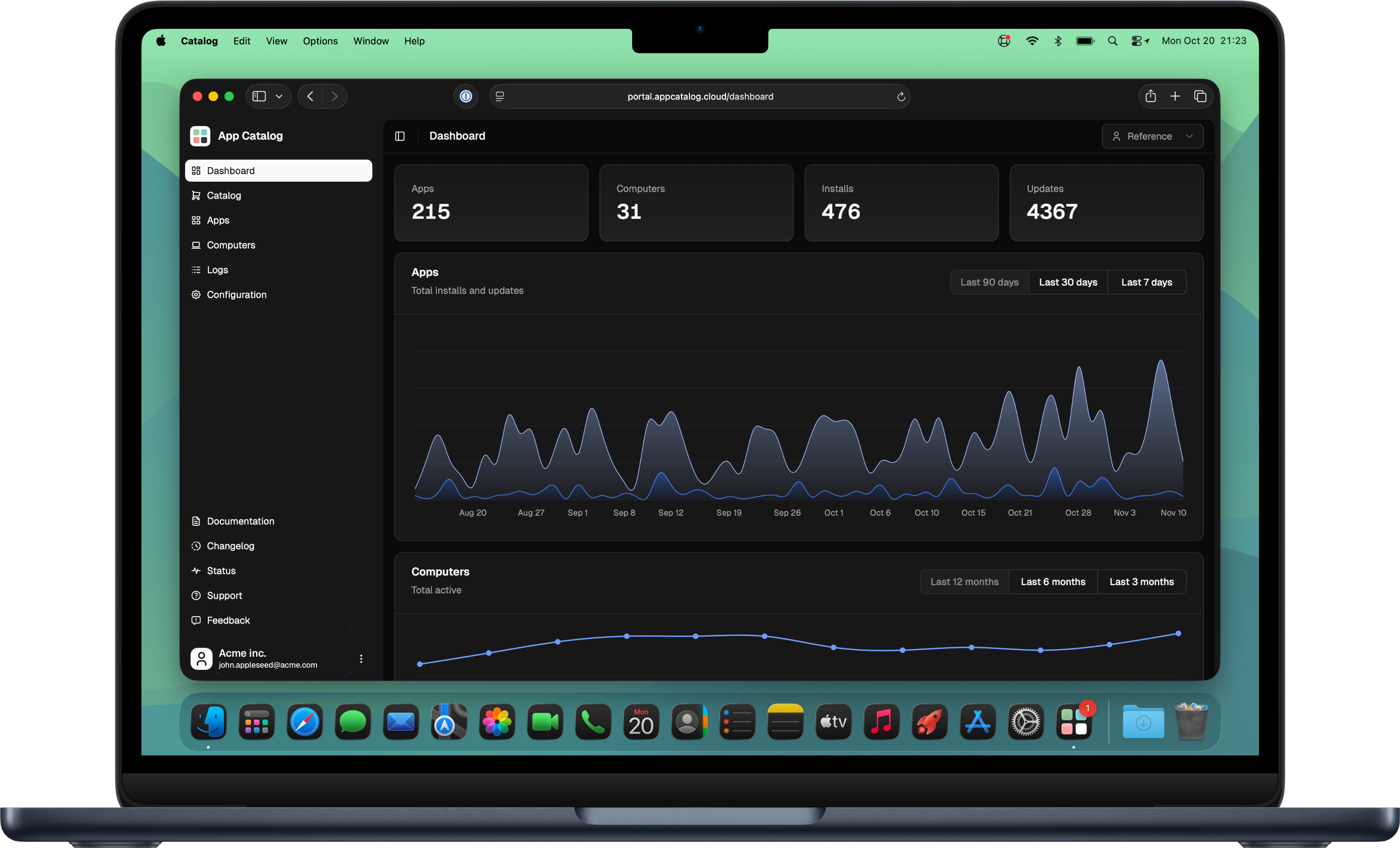
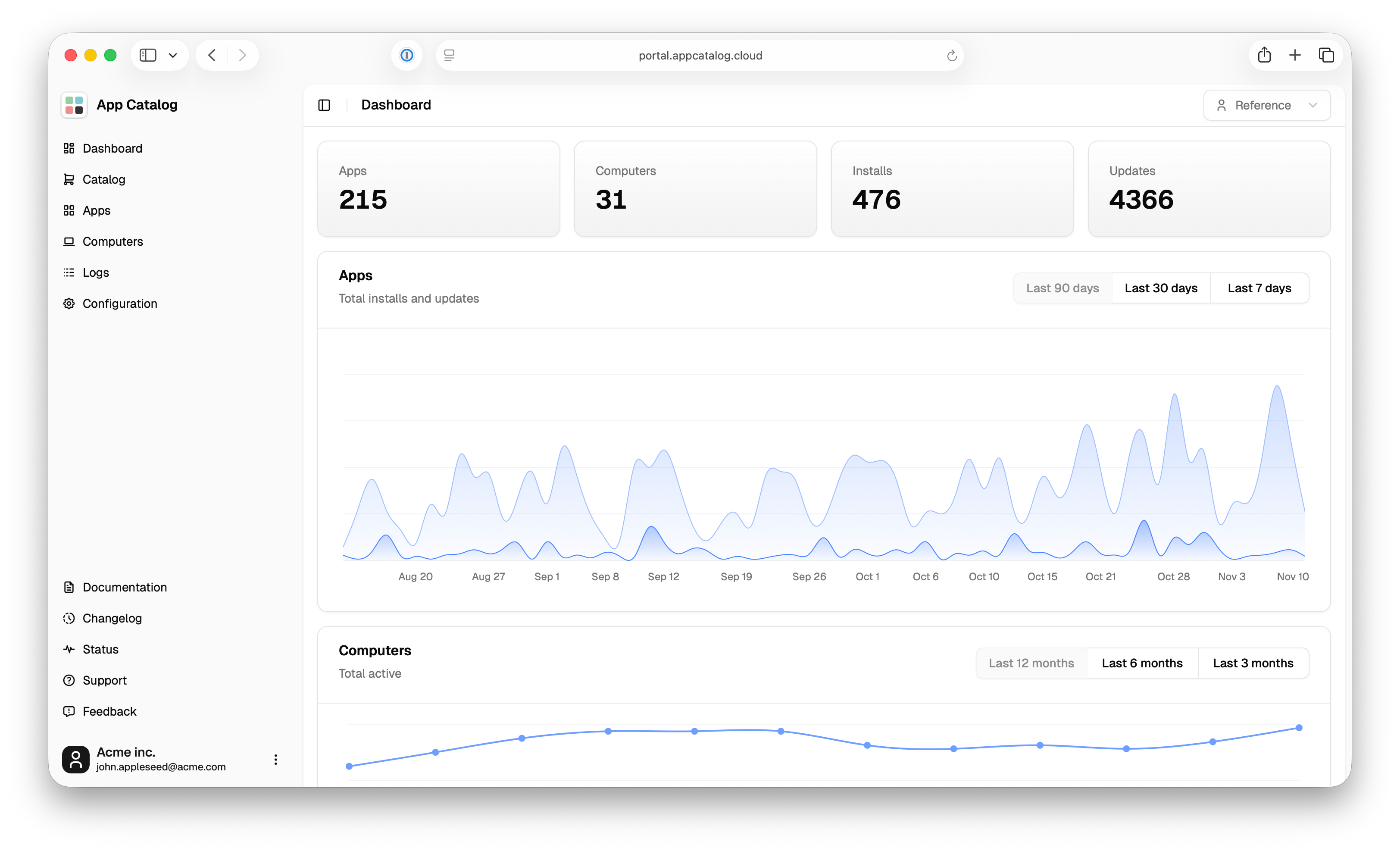
We are delighted to announce a redesign of the App Catalog Customer Portal, which has undergone a complete rebuild from the ground up. The new portal utilizes modern frameworks and a new design system, providing a robust foundation. This technology stack serves as the groundwork, enabling us to develop new features in the Customer Portal, which we are really excited about. This initial phase marks the launch of the new portal with feature parity. Subsequently, we will proceed with the development of new features soon.

Most notable structural improvement is that the menu is moved from the top into a collapsable sidebar, which creates more space for future improvements. Other addition in the lower area of the sidebar are important resources, such as links to our documentation, status, support, feedback and roadmap.

October 2024

✨ New

Customer Portal

  • We've revamped the Customer Portal with much richer content and easier navigation. What's new:

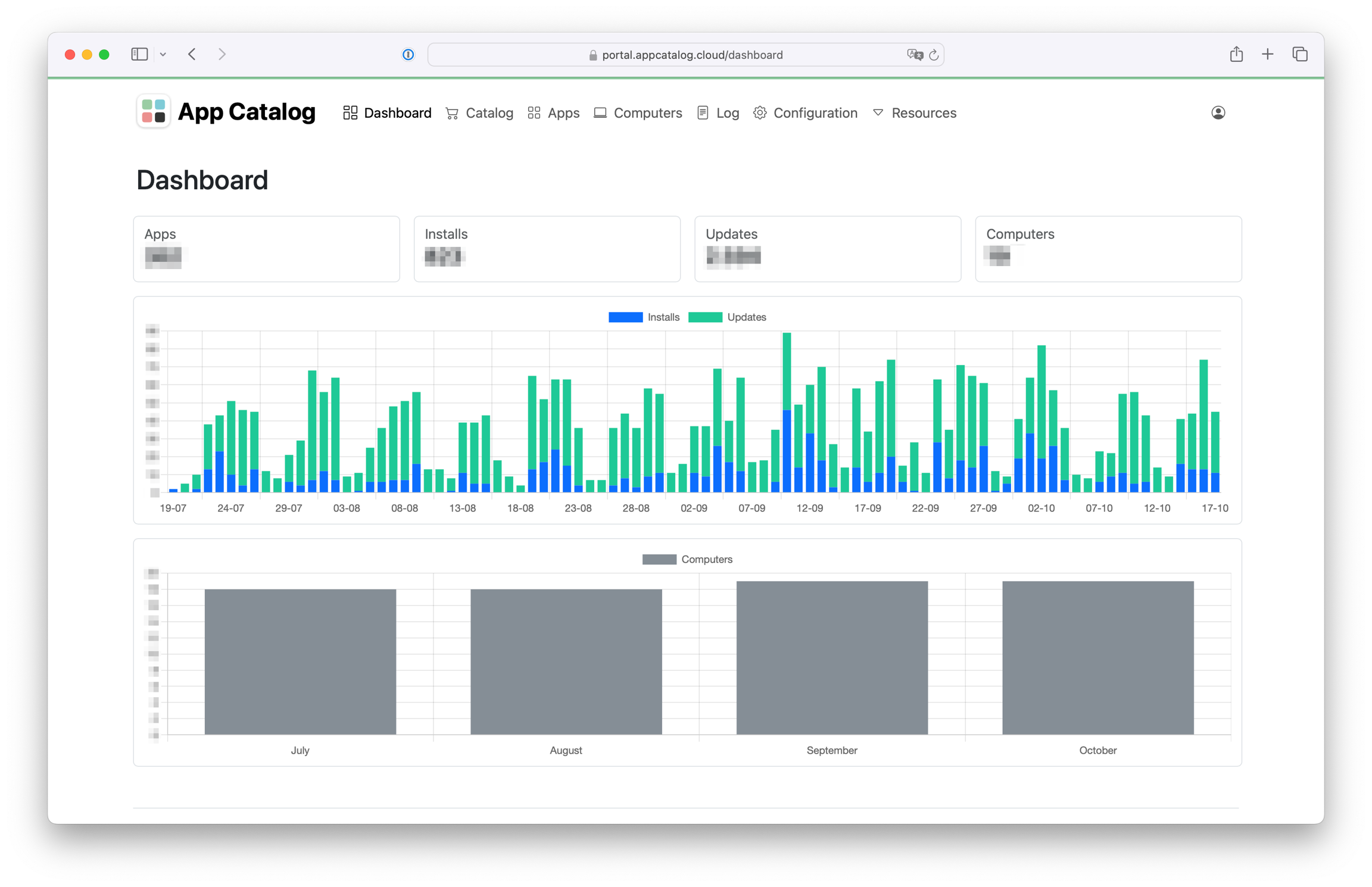
    • Simplified dashboard: designed to show an overview and important statistics. Apps and logs are moved to dedicated pages and accessible from the menu bar

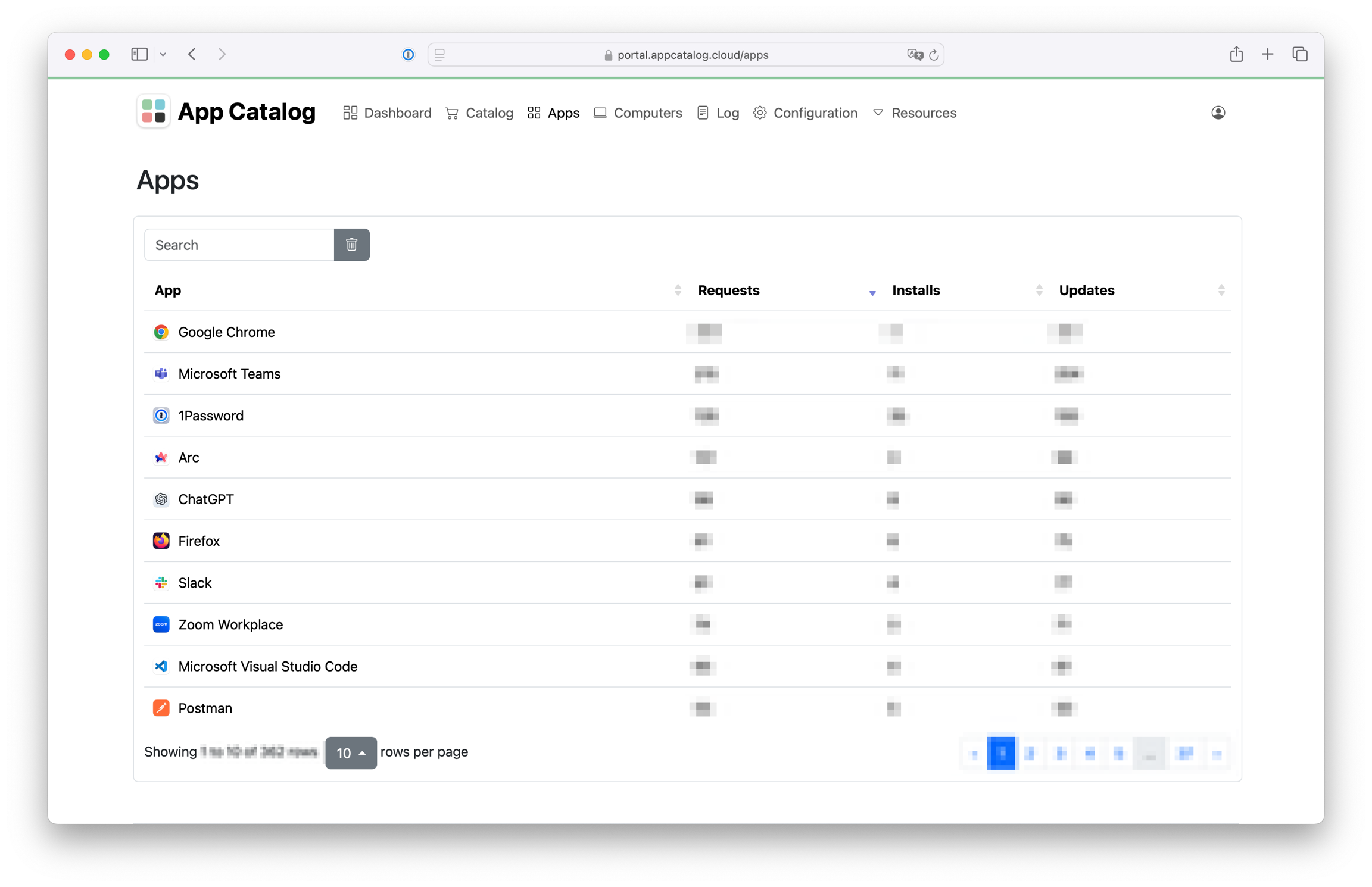
    • Apps: a dedicated page for detailed infomation with installed and updated apps. Clicking on an app shows more in-depth information such as the last known version, when this version was detected, computers with install/update requests and logs.

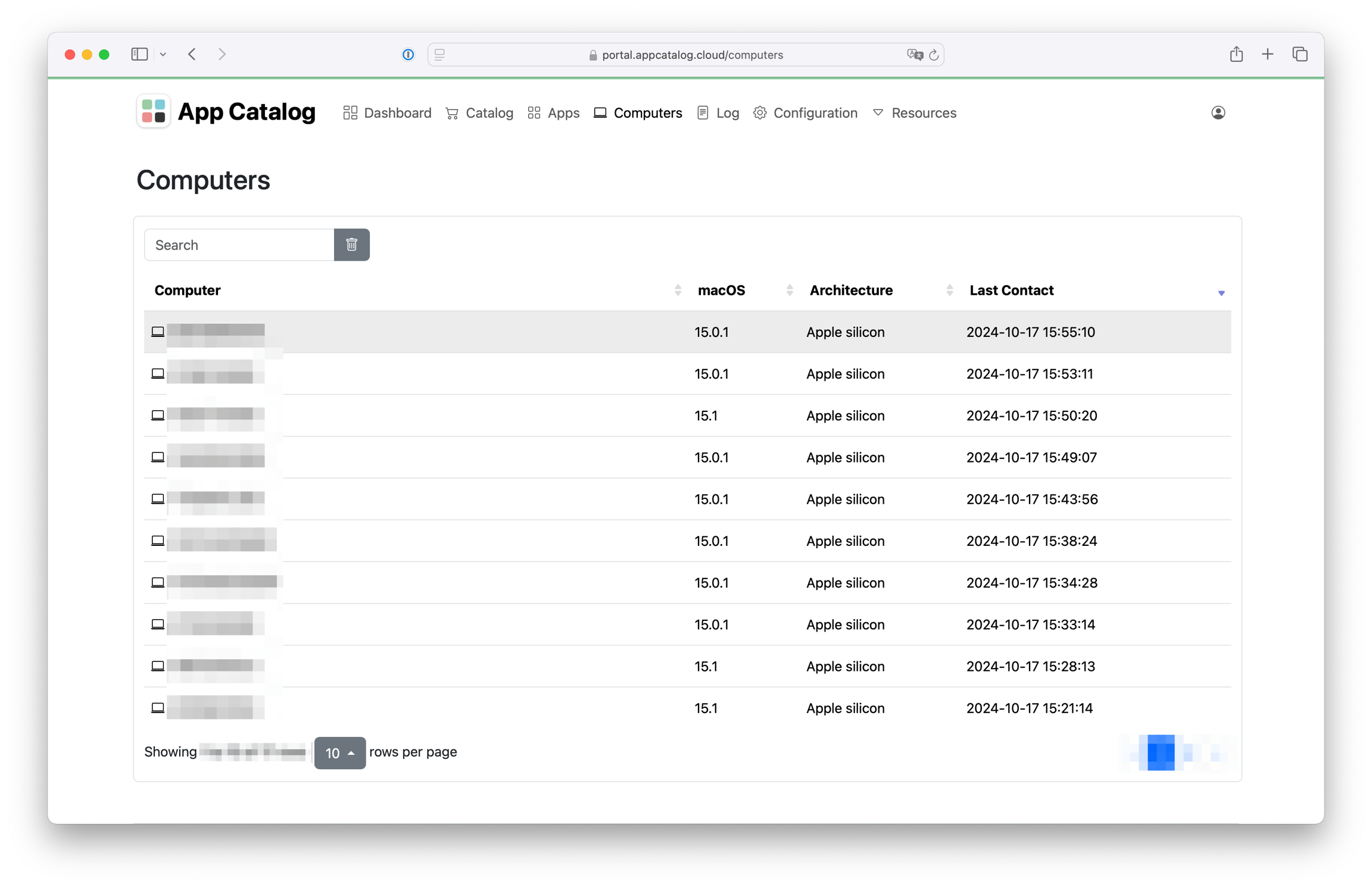
    • Computers: a dedicated page for detailed computer information such as the serial number, macOS version, architecture and the last time the computer contacted App Catalog. Clicking on a computer shows more in-depth information such as the Catalog version, install/update request per app and logs just for this computer.

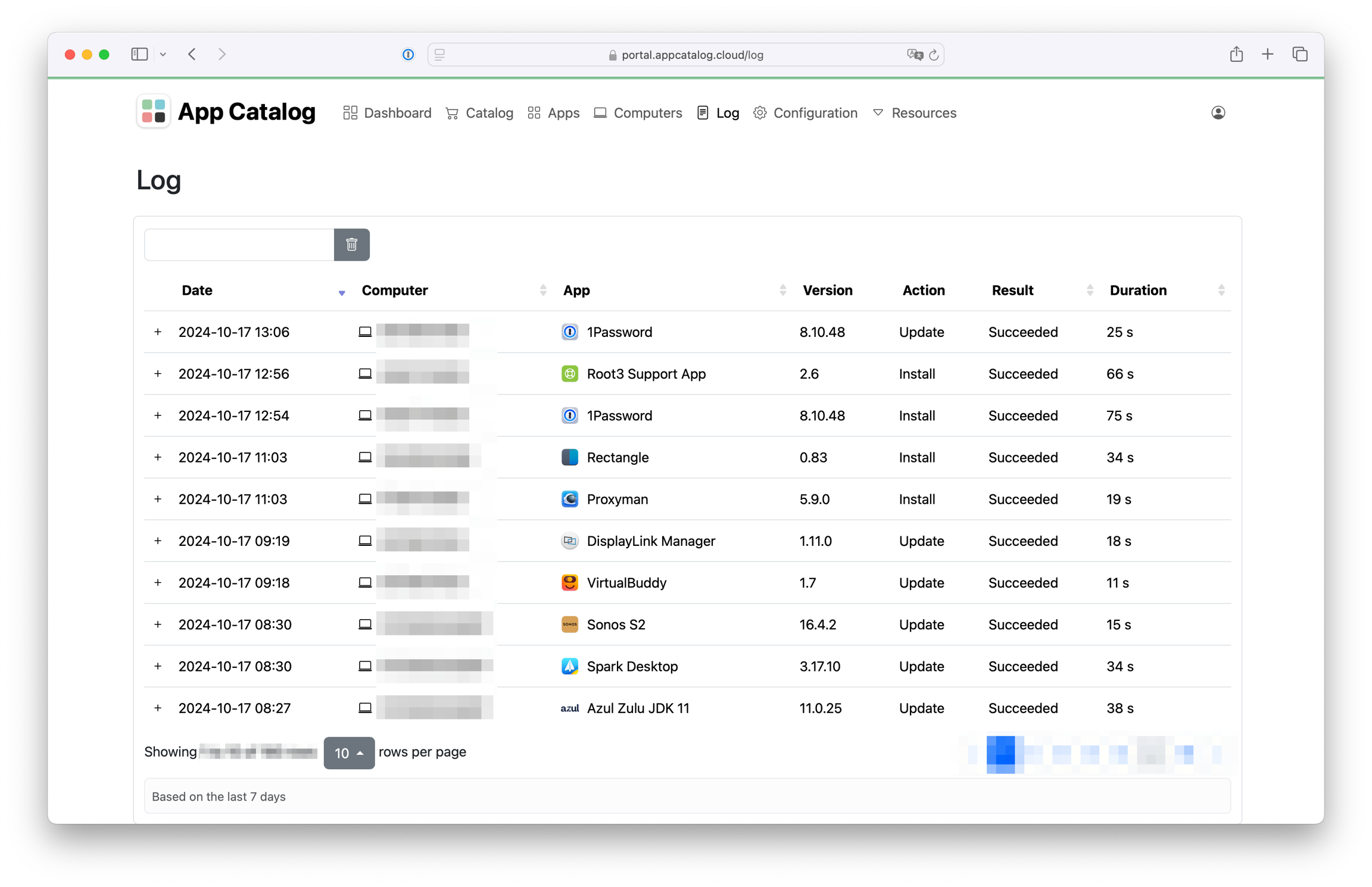
    • Log: All logs from all apps and computers

Documentation

👀 Changed

General

Customer Portal

  • Serial numbers will now be shown in the Customer Portal to make computers much easier to identify. This is especially helpful for troubleshooting purposes.

🛠 Fixed

General

  • Apps closed during an update with user interaction are now opened again after a successful update.

Earlier updates