Granting User Notifications
Last updated 6 months ago
App Catalog can notify users about important update activity, for example when updates have finished, when required updates are still waiting to be installed, or when an update is about to be enforced.
macOS requires user consent when an application wants to show alerts or notifications in the macOS Notification Center. We recommend administrators to auto-approve notifications for the Catalog App using a Configuration Profile for optimal user transparency. Most Device Management Services provide the Notifications payload from the Apple MDM framework.
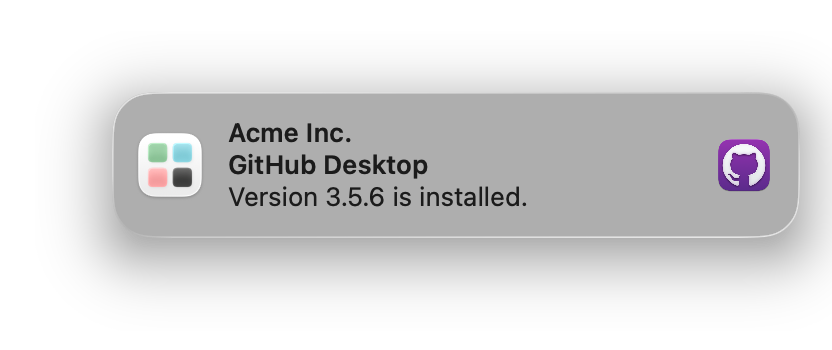
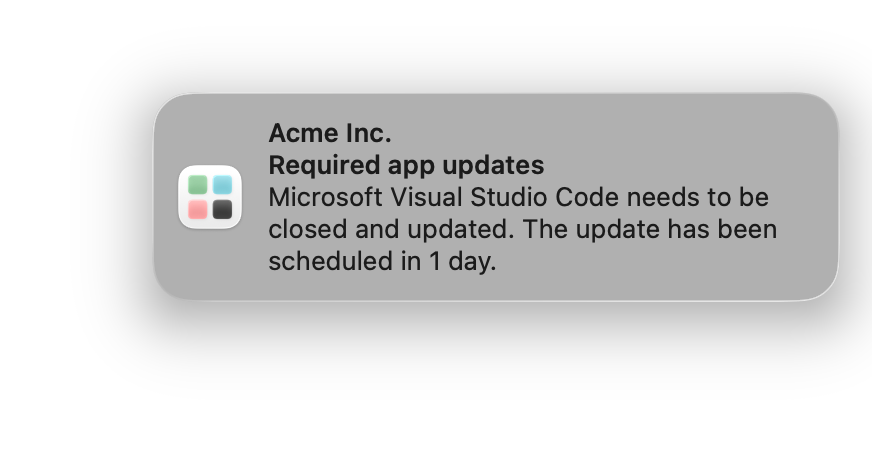
The deferral notifications are available in App Catalog 1.9.0
Best practices
We recommend following a few best practices to make sure App Catalog behaves as designed. For certain use cases you may want to implement different settings, but in general it works best when you:
Auto-approve notifications using MDM to avoid users needing to approve manually and potentially miss update activity.
Configure notifications with the appropriate “Alert type“, temporary or persistent.
Since App Catalog 1.9.0, notifications are handled by two parts working together: Catalog Agent and Catalog Notifications.
Catalog Agent: Completed app updates. These are usually non-critical and informative for the user. We recommend setting the “Alert type” for Catalog Agent to “Temporary“. Users will see an update completion notification and disappears automatically after a few seconds.
Catalog Notifications: Pending required updates and enforcement warnings. These are more important, actionable and require the user’s attention. We recommend setting the “Alert type” for Catalog Notifications to “Persistent“. The notification will stay until the user dismisses or takes action.
For more information, please check User deferrals and interaction.
Not configuring notifications will result in:
Requiring the user to consent
The Alert Style for Catalog Notifications to become “Temporary“ instead of “Persistent“ due to platform restrictions
Technical details
https://developer.apple.com/documentation/devicemanagement/notifications/notificationsettingsitem
Example
Notifications - App Catalog.mobilecon
1.4 KB
Due to an issue on the documentation platform, example Configuration Profiles are renamed from .mobileconfig to .mobilecon. Please change the extension after you downloaded the profile
Create Configuration Profile
Was this helpful?
Still need help? Ask the team