Managed Login Item
Last updated 6 months ago
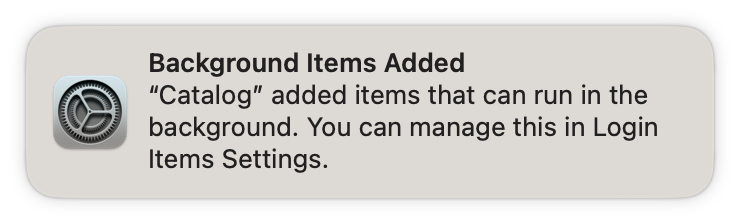
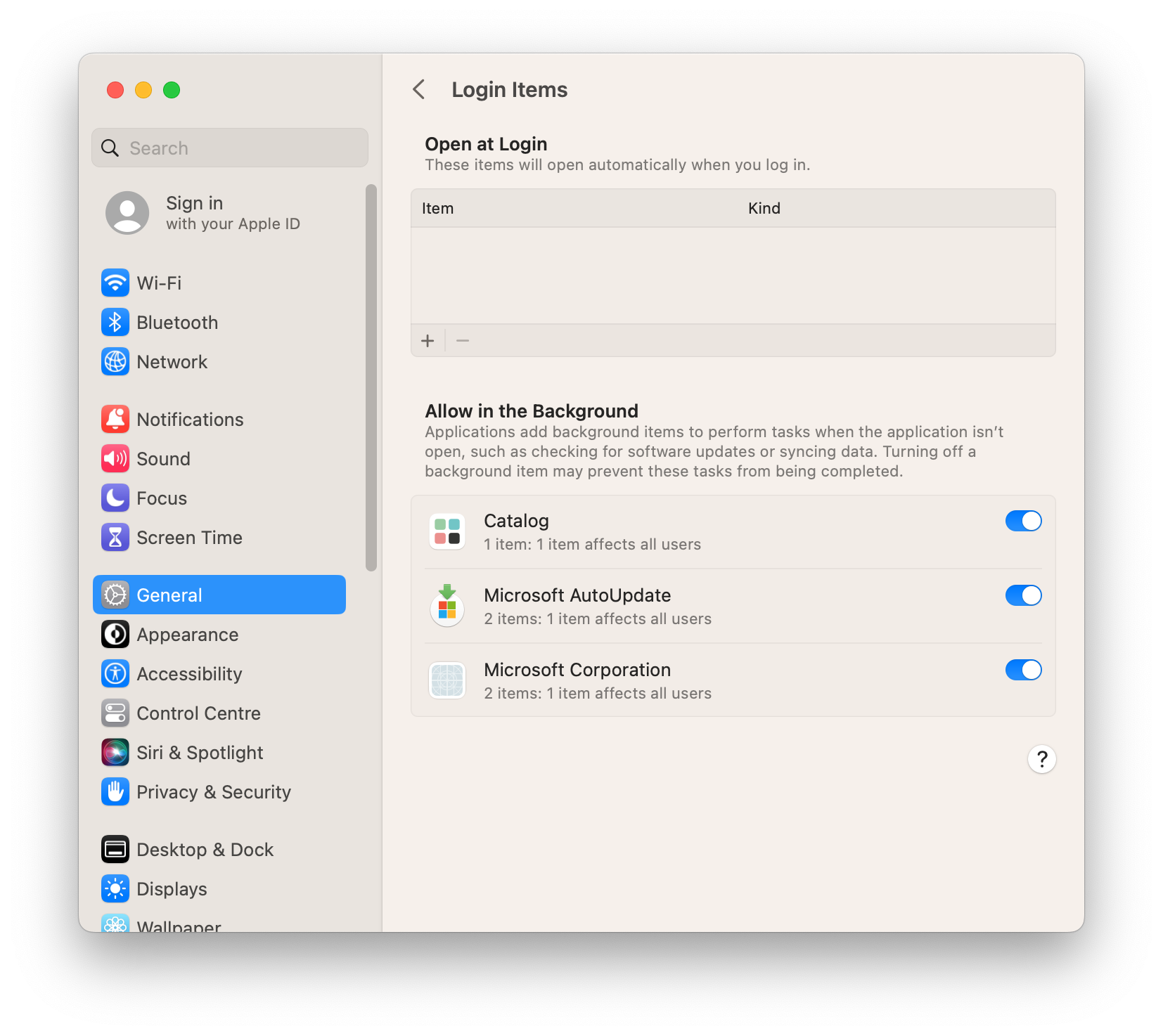
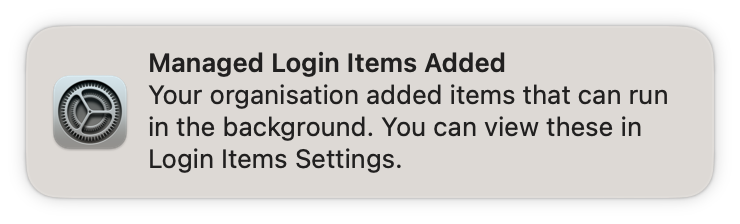
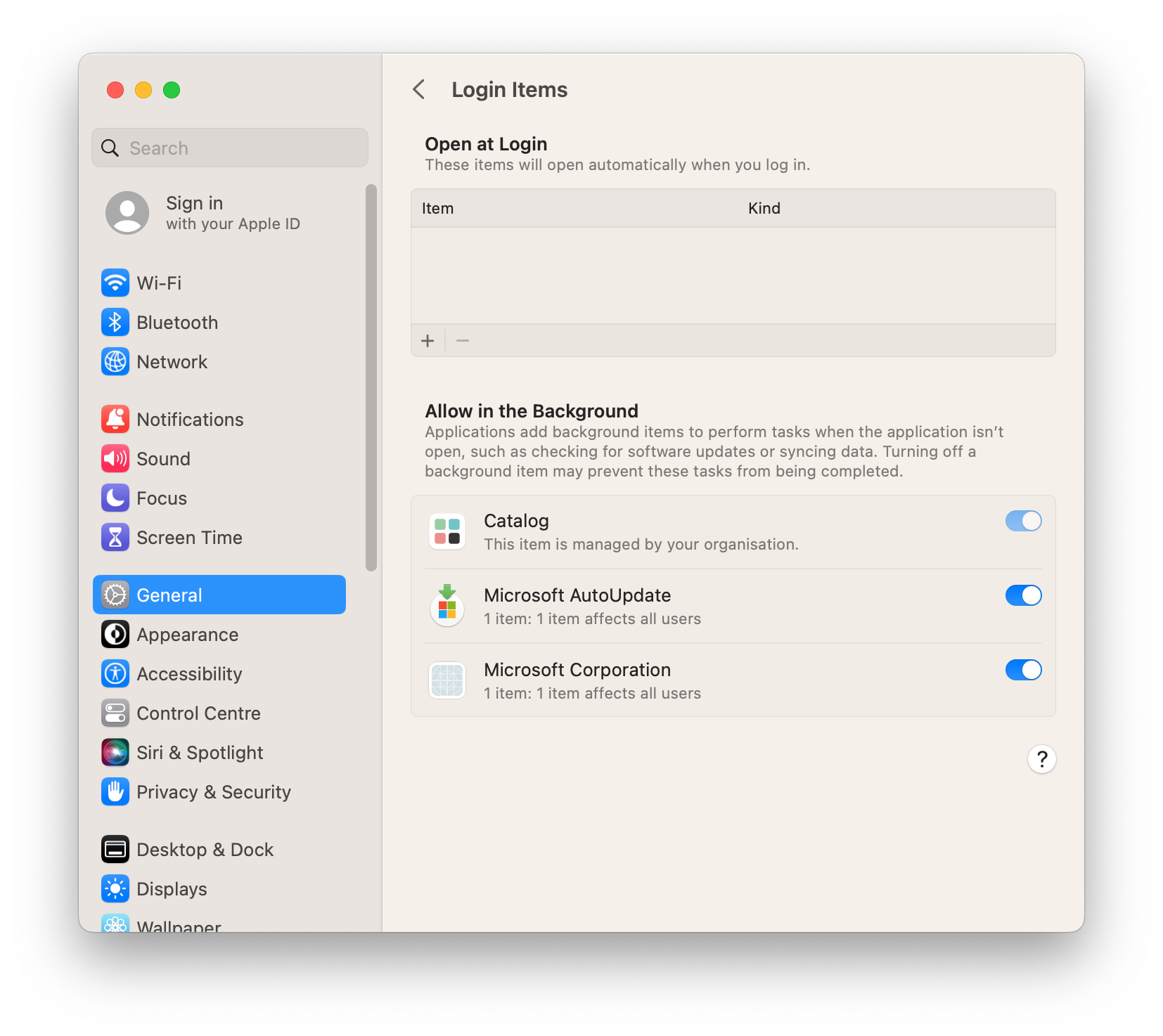
Starting with macOS Ventura (13), background items (such as LaunchDaemons) present user notifications and System Settings allows the user to easily disable background items. The Catalog Agent and Catalog App use a background item and users disabling it negatively impacts app-updates, the update schedule won't run and the Catalog App will not work at all. To make sure users cannot disable the background item, a Configuration Profile is needed to auto-approve and lock the background item. Most MDM solutions provide the ServiceManagementManagedLoginItems payload from the Apple MDM framework.
Rules types
Example
Managed Login Items - Root3.mobilecon
1.5 KB
Due to an issue on the documentation platform, example Configuration Profiles are renamed from .mobileconfig to .mobilecon. Please change the extension after you downloaded the profile
If you prefer a different way of auto-approving background items, refer to the ServiceManagementManagedLoginItems payload from the Apple MDM framework and create your own tailored Configuration Profile.
User Experience without Configuration Profile
User Experience with Configuration Profile
Create Configuration Profile
Was this helpful?
Still need help? Ask the team