Create custom icon with Icon Composer
Last updated 7 months ago
Apple's Icon Composer is an app to create universal icons for Apple platforms and apply the Liquid Glass design using a single file. To create a custom app and notification icon for App Catalog with Apple's Icon Composer, follow these steps:
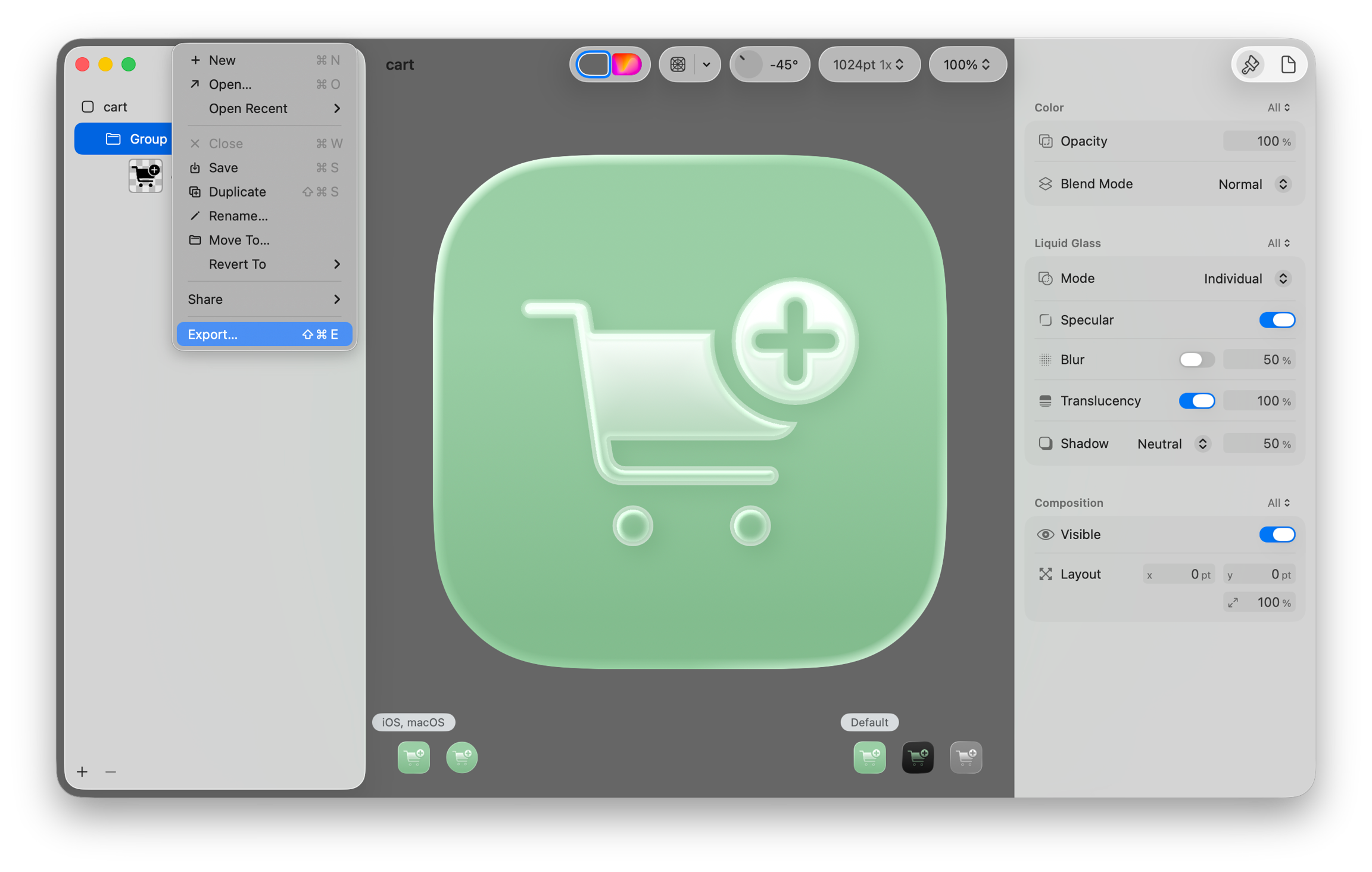
Choose the following options:
Platform: iOS, macOS
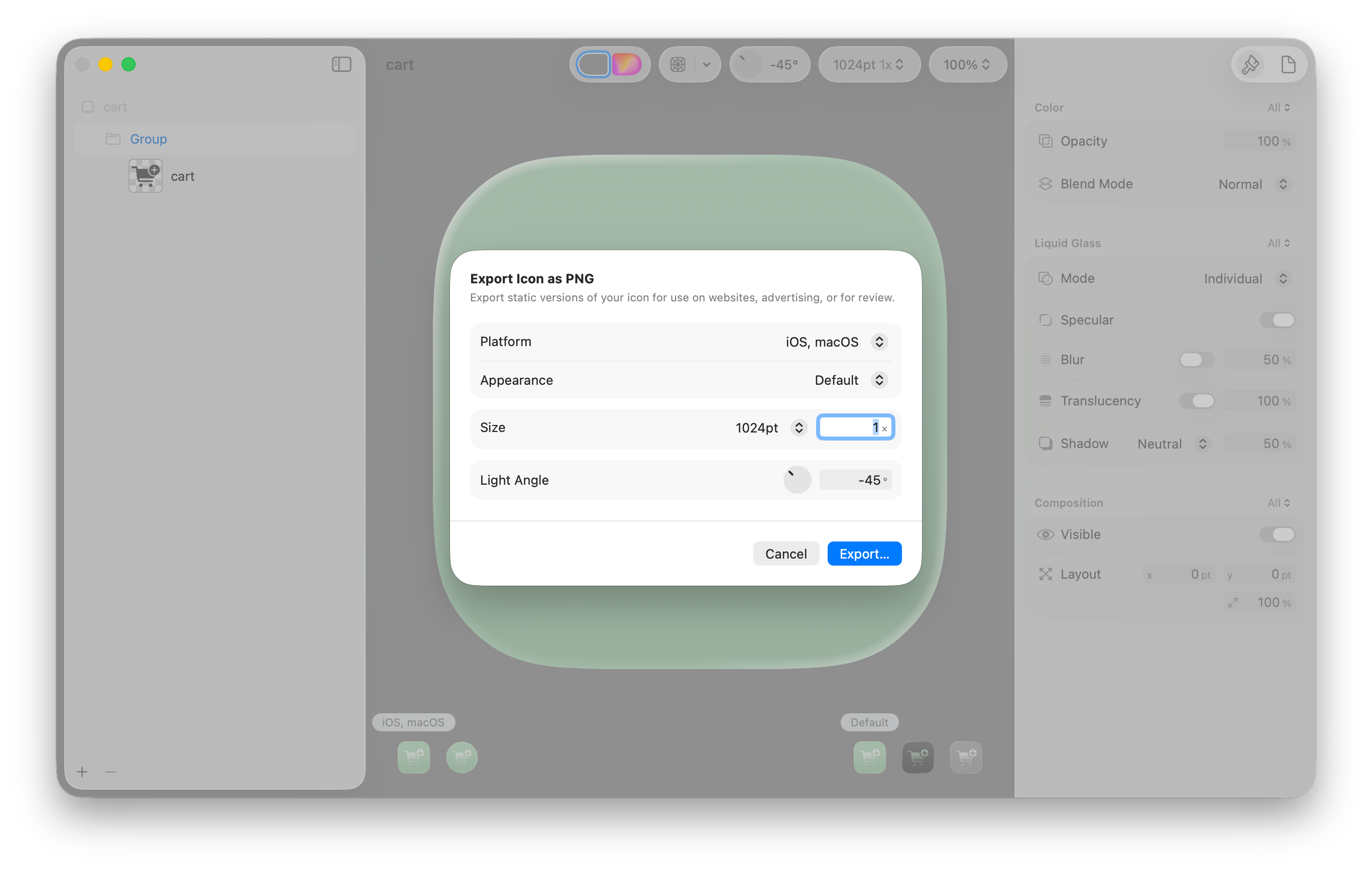
Due to Apple limitations, it is not possible to apply multiple icon variants such as dark, tinted or clear.
SF Symbol is an icon library designed by Apple and built into macOS. It provides thousands of unique icons with several color options. An SF Symbol can be used to show in the sidebar of the user-facing Catalog App for macOS. Here's how to use SF Symbols:
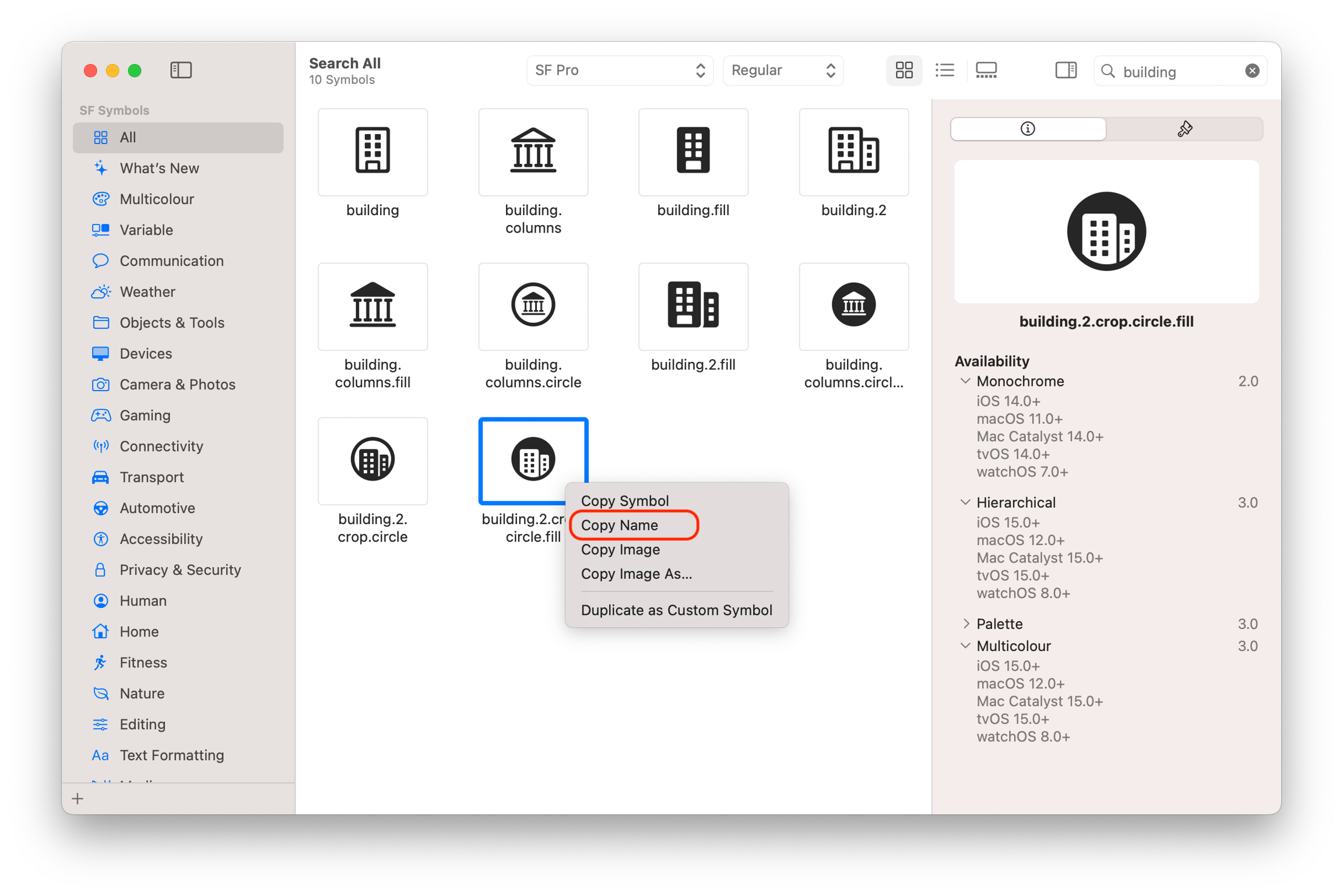
Paste the name in the preference key
Logoand optionallyLogoDark(when using different color options)
Not all SF Symbols are available in every version of macOS as new SF Symbols are introduced in newer versions of macOS. Be sure to check availability in the SF Symbols app and it may vary depending on color options.
Was this helpful?
Still need help? Ask the team