User deferrals & interaction
Last updated 3 months ago
Some applications require user interaction as the app needs to be closed to perform an update. App Catalog evaluates if it is appropriate to close an app with user interaction or not based on certain characteristics of the app, such as networking, conferencing and more. When App Catalog requires user interaction, the update is automatically deferred and a notification will be sent informing the user and asking to update at a more convenient time. Ultimately, the update will be enforced to make sure your organization stays up to date and compliant.
By default, App Catalog relies on native Notification Center notifications for the best possible Apple experience, similarly to what users know from macOS updates. However, users and administrators are able to configure other update reminder styles to match their workflow preferences.
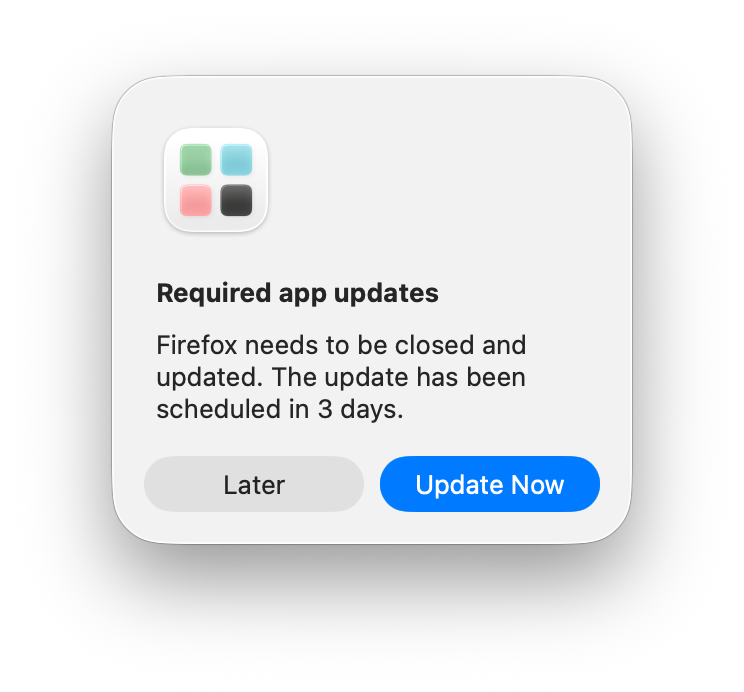
If the user doesn’t update, reminder notifications will be sent and get more frequent leading up to the enforcement date. By default, users have 3 days to update the app using the Catalog App. As an administrator, you can specify how many days a user has to complete the app update. A deferral starts when the device first attempts to install a newly detected update.
When updates are completed after enforcement or if the app requiring an update wasn’t open anymore, App Catalog automatically dismisses previous reminders to avoid users getting confused of requiring them to dismiss notifications that are no longer relevant. The system also attempts to periodically update the deadline in the notification if it hasn’t been dismissed yet, trying to present the most up-to-date deadline.
Please make sure to check Granting User Notifications
The key UpdateDeferrals is removed since App Catalog 1.9.0 and no longer respected
Notification frequency
Below is an overview of how reminder notifications are sent:
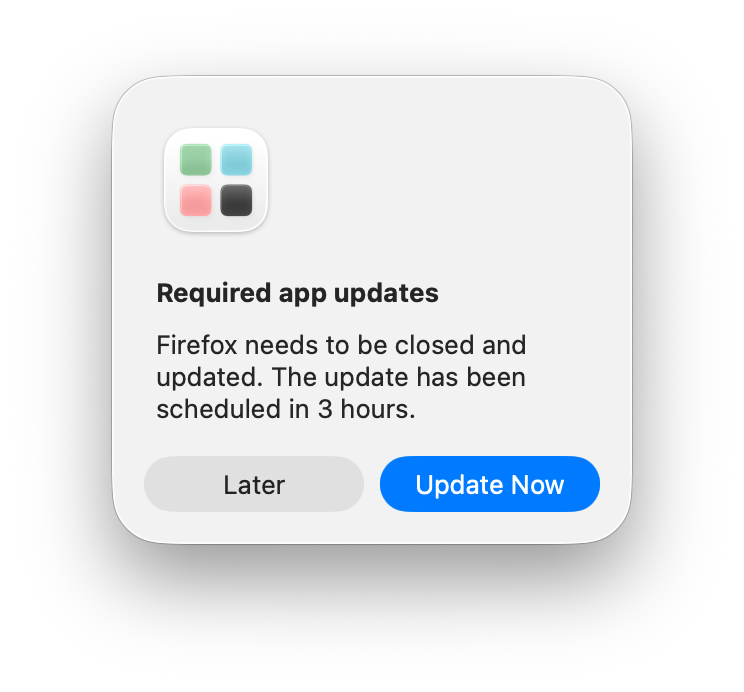
Daily reminders when the enforcement deadline is more than 4 hours away
Hourly reminders when the enforcement deadline is within the last 4 hours
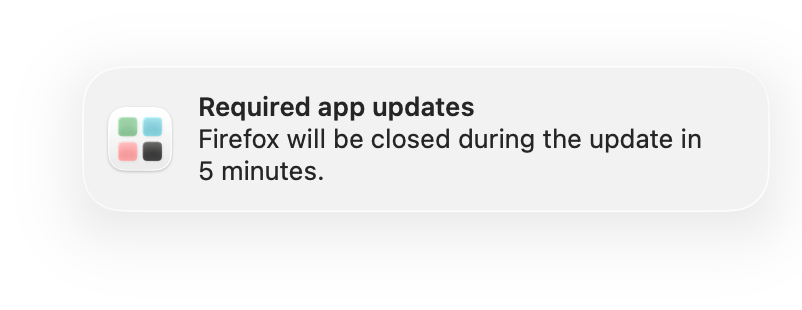
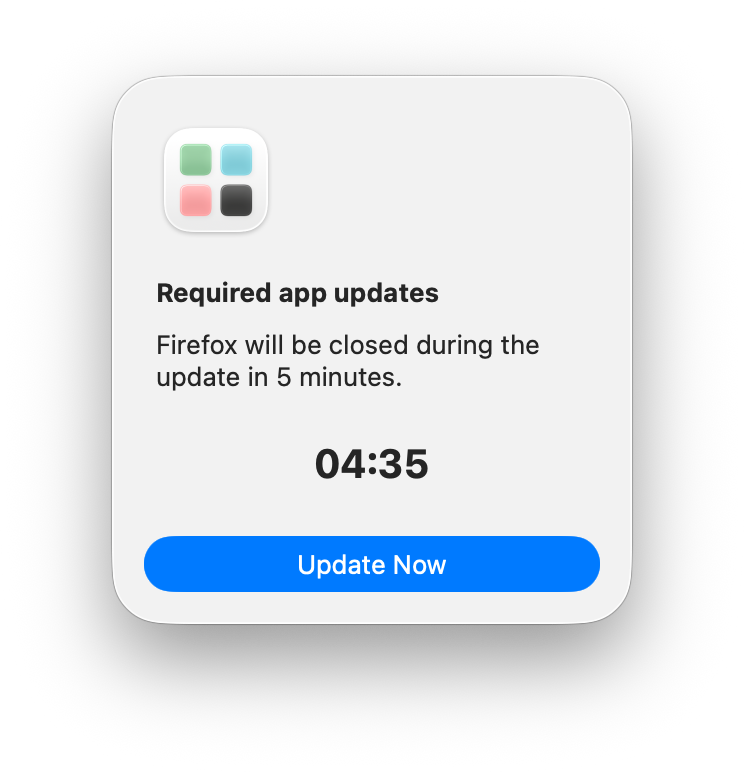
A final countdown notification 5 minute before a forced update starts
No further reminders after the update has been installed or is no longer pending
Update Reminder Styles
App Catalog offers three styles to remind you about required app updates that need their app to be closed. By default, users will be able to choose the update reminder style that best fits their workflow. Choice will be offered when they open Catalog App and can be changed later in the app settings.
Notification Center (default): Reminders appear quietly in Notification Center, like a regular notification. They respect Do Not Disturb and Focus, so they won't break your concentration. Best if you want updates to wait their turn and less interruption for your workflows.
Balanced: Reminders stay in Notification Center until the deadline gets close. In the final 24 hours before the deadline, they switch to a prominent alert in the middle of the screen so you don't miss it. A good middle ground.
Alerts: Every reminder appears as a prominent alert in the middle of the screen. The most visible option, and the one most likely to interrupt what you're doing. Best if you'd rather act on updates straight away.
If you allow users to choose, Catalog App will ask the next time it is opened. The style can be changes later in the app settings.
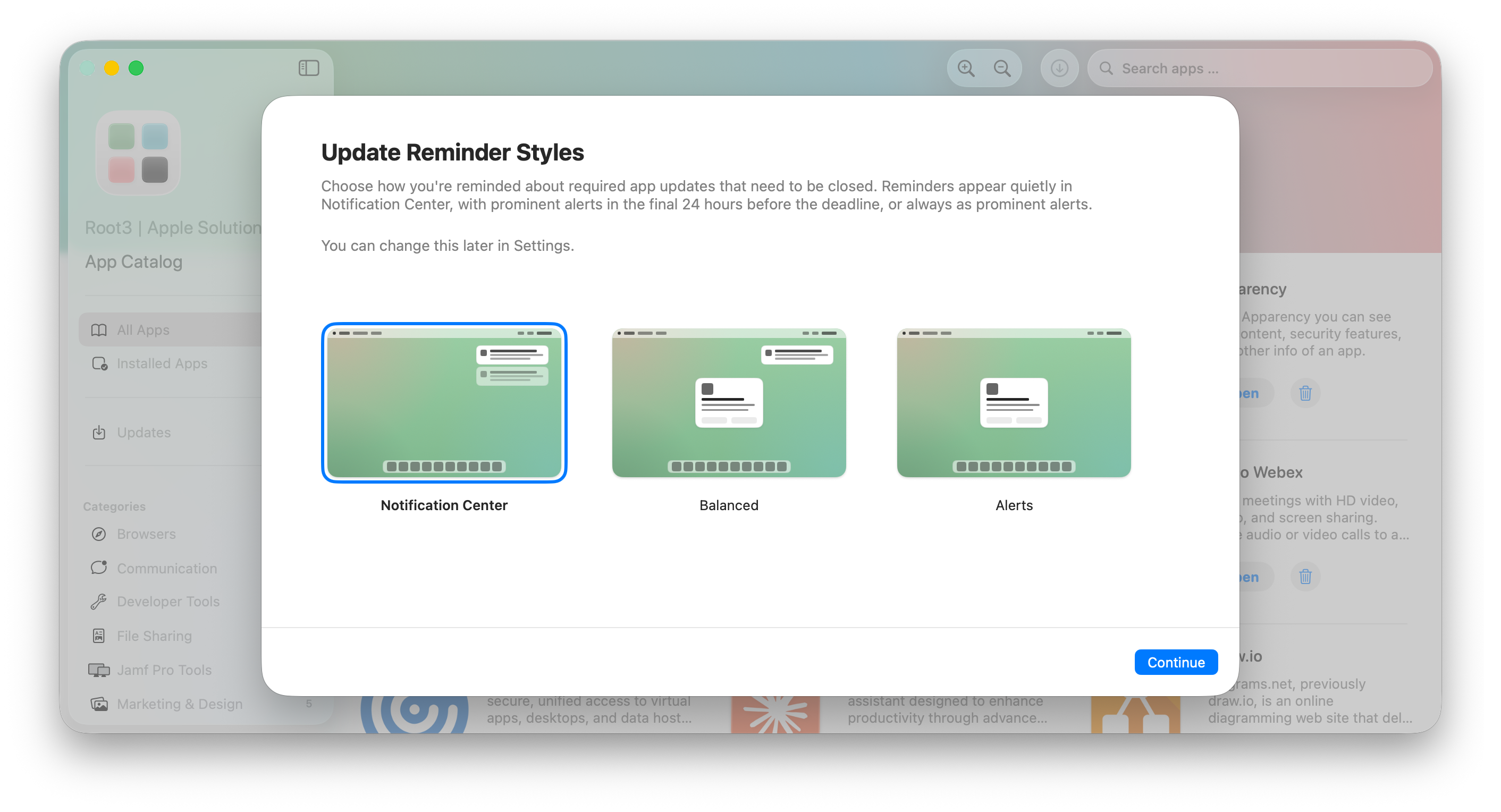
Differences between Notifications and Alerts
Notification Center suits users who manage their own update cadence and don't want their work interrupted. The trade-off is that reminders can be missed if the user isn't checking Notification Center. Make sure to Grant User Notifications and set Catalog Notifications to “Persistent“ for best results and make sure the notification stays until the user dismisses it.
Alerts suit users that need to be sure they see and act on required updates. The trade-off is that reminders break the user's flow every time they fire.
The Balanced style in App Catalog combines both: Notification Center for early reminders, and an alert in the final 24 hours before the deadline and for the 5-minute enforcement countdown.
Enforcing an update reminder style
We believe every person has its own way of working and being productive. That’s why we recommend letting people choose. If your organization requires a specific update reminder style, you can set the UpdateNotificationStyle key. More information: Preference Keys - Catalog Agent
How enforcement works
When several app updates are pending, App Catalog tries to keep notifications clear and manageable. Updates that share the same enforcement day can be grouped into a single reminder, instead of showing a separate notification for every app. As the enforcement deadline gets closer, reminders become more frequent. On the enforcement day itself, App Catalog focuses on the updates that are due soonest and combines them into one notification. If updates must be enforced, users receive a final notification 5 minute before the required update starts. Pending updates that share the same enforcement day are enforced together when the first enforcement deadline for that day is reached.
Custom deferral time
To configure a different time-based deferral, use the AllowedDeferralsInDays key to specify how many days users will have to install the update. More information: Preference Keys - Catalog Agent
User experience
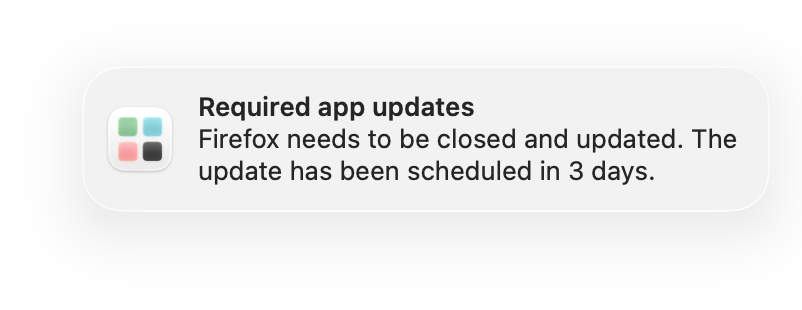
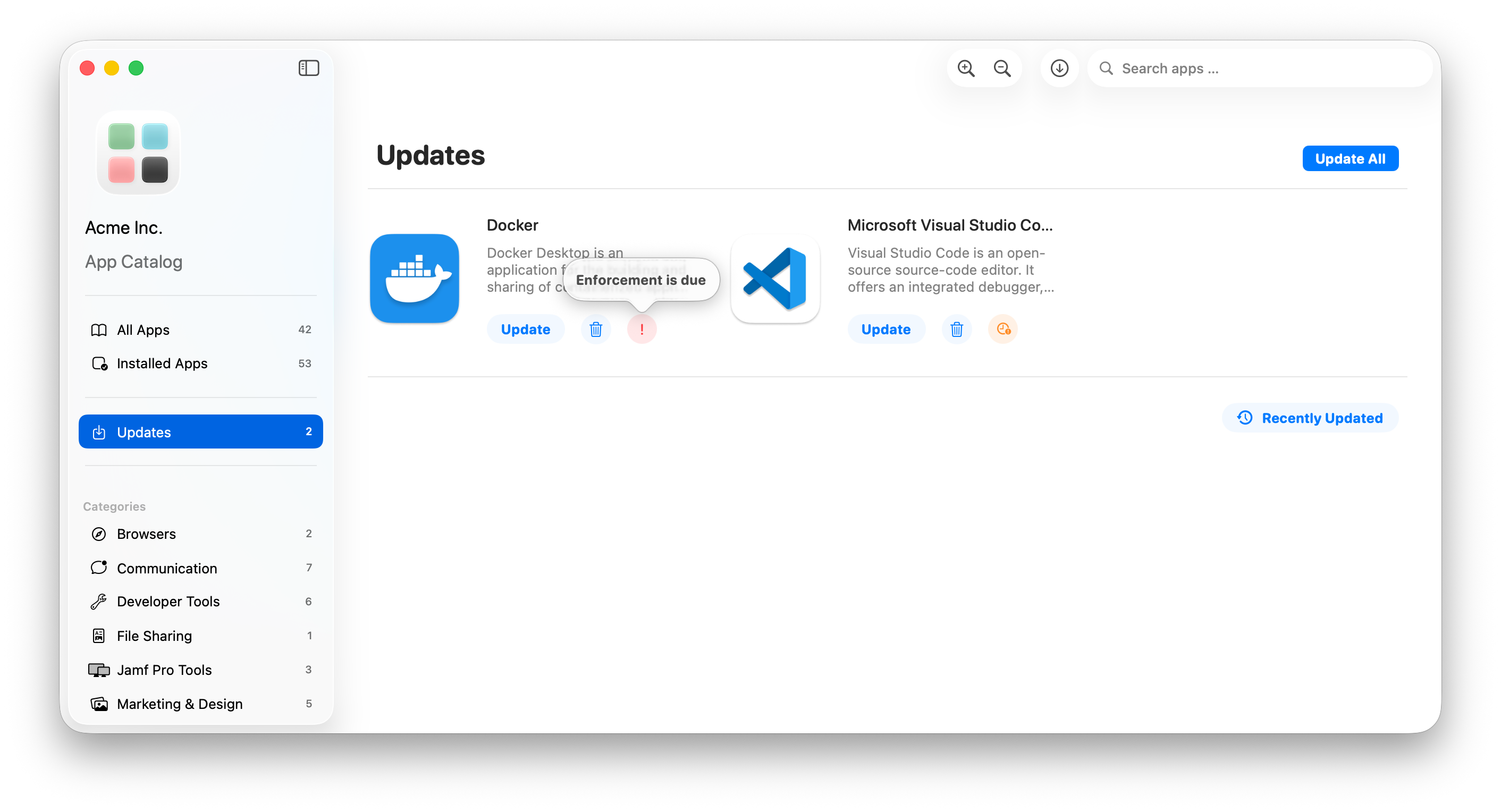
Below shows an example of an available update requiring user interaction.
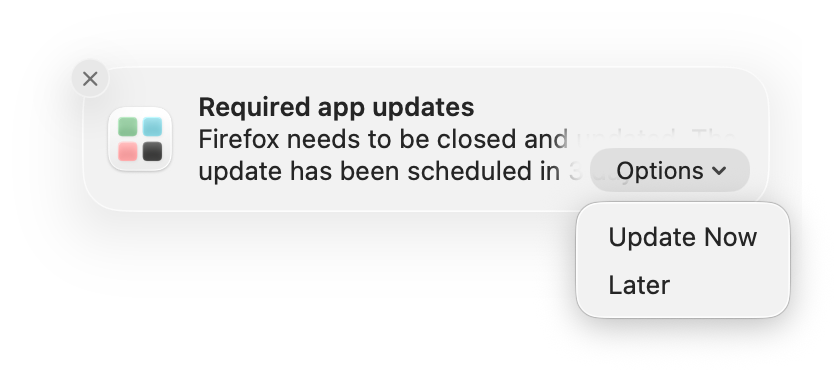
Notifications
Choosing “Update Now“ in the Notification will open the Catalog App directly in the “Updates“ tab.
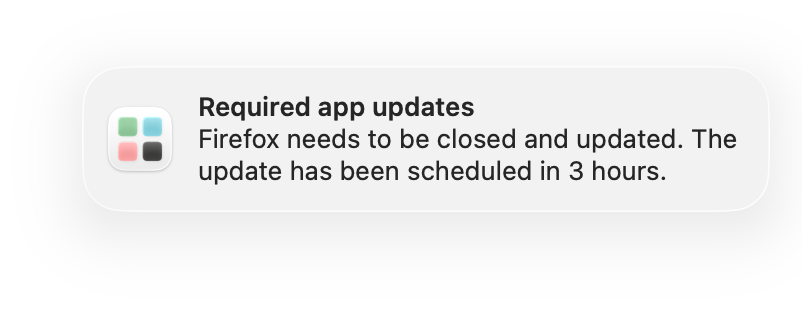
Alerts
Choosing “Update Now“ in the Alert will start the updates presented in the alert in the background.
Catalog App
Do Not Disturb & Focus States
Was this helpful?
Still need help? Ask the team